

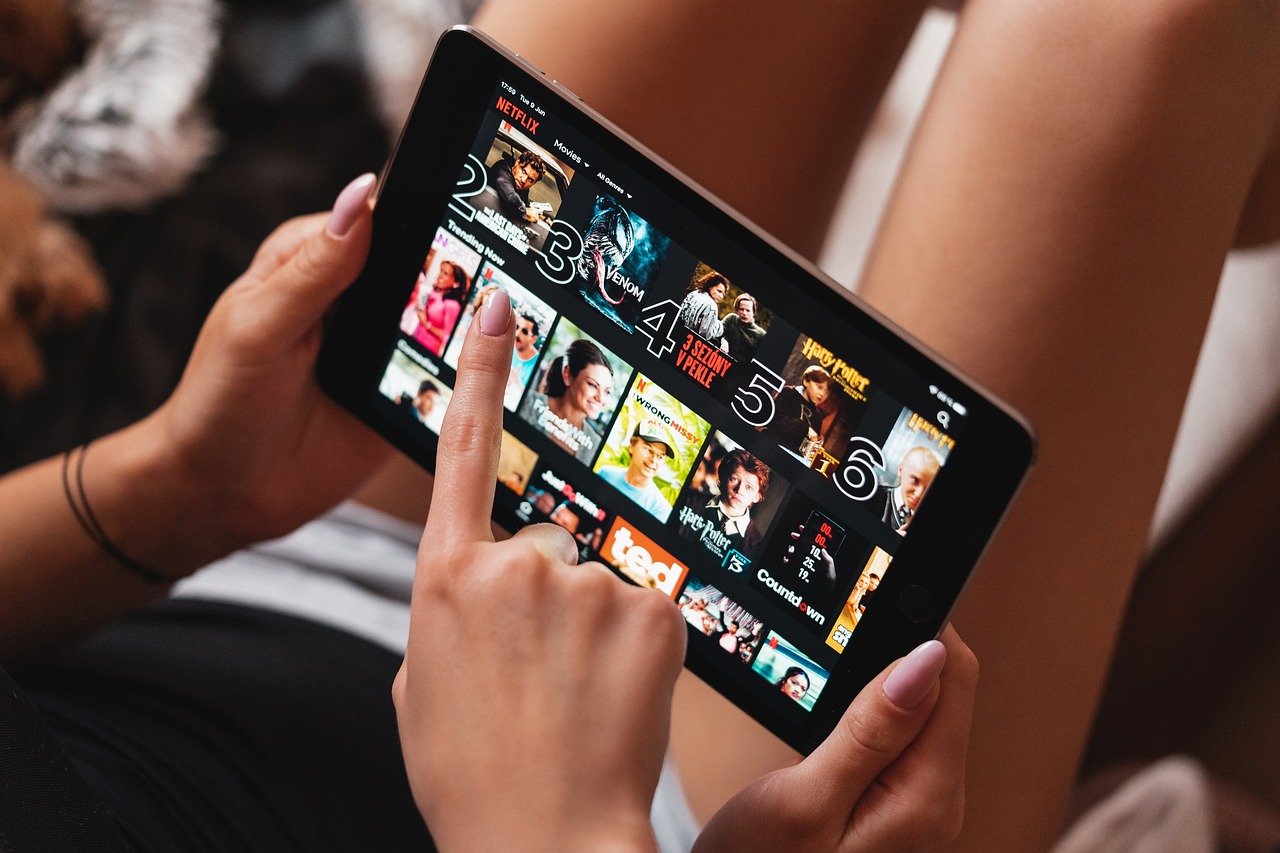
The Best Tablets For Netflix
Disclosure: This post contains affiliate links. If you purchase a product through one of these links, we may earn a small commission at no additional cost to you. We believe these products are the appropriate and best in the market for this specific post
Tablets have emerged as the ideal middle ground for streaming, offering the portability of a smartphone with the immersive screen size of a laptop. This balance makes them perfect for various scenarios, whether curled up on the couch, relaxing in bed, or catching up on a show during your commute. Lightweight and compact, they’re easy to carry, making them a convenient choice for travel or family use—children can enjoy their favourite cartoons on long car journeys while parents stream blockbusters or intense series.
With advancements in display technology, extended battery life, and powerful processors, tablets now rival larger devices in delivering a premium viewing experience. They offer flexibility and high-quality visuals, ensuring seamless streaming anywhere, anytime. Whether it’s a casual binge session or an entire movie night, tablets have become a go-to choice for entertainment, catering perfectly to today’s on-the-go lifestyle. In this post, we’ll guide you through the best tablets for Netflix streaming, focusing on key features like display quality, battery life, sound performance, and budget options. Below is a quick summary of our recommendations.
Page Contents
| Tablet | Best For | Rating (Out of 10) | Price Range |
|---|---|---|---|
| Apple iPad Air | Retina display, great visuals | 9.5 | ~£600 |
| Samsung Galaxy Tab S9+ | AMOLED, HDR, vibrant visuals | 9.0 | ~£700 |
| Amazon Fire Max 11 | Affordable, decent screen | 7.5 | ~£290 |
| Amazon Fire 10 Plus | Budget-friendly, HD streaming | 7.0 | ~£180 |
| OnePlus Pad 2 | Sharp display, Dolby Atmos | 8.5 | ~£450 |
As Your Brothers In Tech, we’ve only chosen these select group of tablets that we know will adapt to your needs, deliver the best results and quality. Use this opportunity to find out the right fit for you. You might gain more ideas for how you want to use your desired tablet in ways you may have never imagined.
What Makes a Tablet Ideal For Netflix?

Display Quality
When it comes to purchasing a tablet for Netflix streaming, the display is undeniably the most crucial factor. The quality of the visuals plays a significant role in immersing viewers in their favourite shows and movies.
- Importance of Resolution: A display with Full HD resolution (1920×1080 pixels) or higher is ideal for crisp, vibrant visuals, especially when streaming in HD or 4K. High-resolution screens bring out the finer details, making scenes more engaging and lifelike. In contrast, lower resolutions can cause visuals to look blurry or pixelated, diminishing the overall viewing experience.
- Screen Size Preferences: Tablets generally range from 8 to 12 inches, offering options to suit different viewing preferences. Larger screens, particularly those 10 inches or more, deliver a more cinematic experience, perfect for movie nights or binge-watching sessions. On the other hand, smaller screens are more compact and portable, making them ideal for streaming on the go.
- Display Technologies: Advanced display technologies can further enhance the viewing experience. OLED screens provide deep, inky blacks and vibrant colours, ideal for darker, atmospheric shows like Stranger Things. While not as vivid, LCD screens are budget-friendly and still deliver excellent image quality. Tablets with True Tone technology automatically adjust brightness and colour temperature based on the surrounding light, offering a more comfortable and natural viewing experience which reduces eye strain during extended streaming sessions.
Choosing the correct display specifications ensures a visually stunning and immersive Netflix experience, whether at home or on the go.
Battery Life
When selecting a tablet for Netflix streaming, one of the critical features to consider is battery life. After all, there’s nothing more frustrating than the battery dying at the climax of your favourite show.
- Why It Matters: Long battery life is essential for uninterrupted binge-watching sessions. Whether you’re settling in for a cosy evening at home or streaming on the go, a tablet with inadequate battery capacity can quickly turn your Netflix marathon into a frustrating experience. A reliable battery ensures you can enjoy hours of entertainment without constantly searching for an outlet.
- Average Runtime to Look For: When evaluating battery life, aim for a device that offers at least 8 to 10 hours of continuous playback on a single charge. This range allows you to stream multiple episodes or even a full-length movie trilogy without interruption. Tablets with extended battery performance also make great travel companions, letting you watch your favourite content on long flights, road trips, or commutes without worry.
Investing in a tablet with robust battery life ensures a seamless and enjoyable Netflix experience, no matter where you are.
Performance
Performance is key to ensuring a smooth and enjoyable Netflix experience on your tablet. A well-equipped device can seamlessly handle streaming, multitasking, and app navigation, while a sluggish one can quickly ruin the fun.
- Fast Processors for Smooth Streaming: A powerful processor is essential for fluid video playback and quick app launches. Processors like Apple’s A-series chips, Qualcomm Snapdragon, or MediaTek are designed to deliver top-notch performance, ensuring that your streaming sessions are free from buffering, lag, or stutters. These processors also enhance the responsiveness of your tablet, making it easy to switch between apps or adjust settings without interruptions. Laggy performance, on the other hand, can disrupt your Netflix marathons and make even basic tasks frustrating.
- Sufficient RAM for Multitasking: RAM is equally important for maintaining smooth performance, especially if you multitask while streaming. A tablet with at least 4GB of RAM is recommended to handle switching between apps like Netflix, YouTube, or your browser without any noticeable slowdowns. Higher RAM capacity allows the tablet to manage multiple tasks efficiently, ensuring that your streaming experience remains seamless, even if you’re chatting with friends or looking up facts about your favourite shows.
Investing in a tablet with a fast processor and sufficient RAM guarantees a hassle-free streaming experience, letting you enjoy Netflix without technical distractions.
Sound Quality
A tablet’s audio capabilities can significantly impact your Netflix experience, turning good sound into a genuinely immersive part of your entertainment. Whether you rely on built-in speakers or external devices, quality audio can make all the difference.
- Built-in Speakers vs. External Devices: Tablets with high-quality built-in speakers elevate the viewing experience by delivering clear and powerful sound. Devices equipped with stereo or quad-speaker setups provide a balanced and more immersive audio experience, ensuring you catch every word and sound effect without needing additional equipment. However, external devices like Bluetooth speakers or headphones can enhance audio depth for those seeking even richer sound quality, making them an excellent option for private or cinematic viewing.
- Support for Dolby Atmos or Stereo Audio: Dolby Atmos-enabled tablets take audio to the next level, providing a theatre-like soundscape that surrounds you with immersive, multidimensional audio. This feature is particularly impactful during action-packed sequences or emotionally charged dialogues, adding a new layer of intensity to your favourite shows and movies. For tablets without Dolby Atmos, solid stereo audio support can still deliver a great sound experience, making it easy to lose yourself in the story.
Whether you choose to rely on built-in speakers or pair your tablet with external audio devices, investing in good sound quality ensures a captivating Netflix experience.
Streaming Compatibility
Compatibility and convenience are key when choosing a tablet for Netflix and other streaming platforms. Ensuring your tablet supports the necessary apps and features can greatly enhance your viewing experience.
- Pre-installed Apps: A good streaming tablet should support significant platforms like Netflix, Amazon Prime Video, Disney+, Hulu, and others right out of the box. This ensures a seamless setup process and allows you to dive straight into your favourite shows and movies without the hassle of manual downloads or compatibility issues. Some tablets even have optimised apps or shortcuts for streaming services, making access even more convenient.
- Offline Downloads: Tablets that support offline downloads offer a significant advantage for users on the go. This feature lets you save Netflix content directly to your device, enabling uninterrupted viewing during travel, commutes, or in areas with limited or no internet connectivity. Whether it’s a long-haul flight or a weekend getaway, offline downloads ensure you never miss a moment of your favourite series or movies.
By prioritising streaming compatibility, you can choose a tablet that meets your entertainment needs, offering flexibility and convenience for all your binge-watching sessions.
Top Tablets for Netflix in 2025
Choosing the right tablet for Netflix involves balancing screen quality, performance, sound, and affordability. Here are the top picks for 2025, each catering to different needs and budgets.
1. Apple iPad Air
- Retina Display and Performance: The 10.2-inch iPad boasts a stunning Retina display with True Tone technology, ensuring vibrant colours and crisp details, perfect for Netflix streaming. Its M3 chip delivers seamless performance, making it a multitasking powerhouse.
- Price Point and Ecosystem Advantages: Starting at an accessible price for Apple devices, the iPad provides excellent value for its features. Its integration with the Apple ecosystem (AirPods, Apple TV, and more) makes it a versatile choice for entertainment and productivity.
2. Samsung Galaxy Tab S9+
- AMOLED Display: The Galaxy Tab S9+ features a 12.4-inch AMOLED display with HDR10+ support. It delivers exceptional contrast, vibrant colours, and deep blacks—perfect for dark, cinematic shows like The Witcher.
- Multi-Device Support: It offers seamless connectivity with other Samsung devices, making switching between your phone and tablet easy. Its powerful processor and long-lasting battery ensure an uninterrupted Netflix experience.
3. Amazon Fire Max 11
- Affordability and Prime Integration: The Fire Max 11 is an excellent budget-friendly option with an 11-inch display and solid performance. It’s ideal for casual Netflix users and integrates smoothly with Amazon Prime Video, Audible, and Kindle apps.
- Versatility: While not as feature-rich as premium tablets, it delivers impressive value for its price, especially for those already in the Amazon ecosystem.
4. Amazon Fire HD 10 Plus
- Budget-Friendly Streaming: The Fire HD 10 Plus is perfect for budget-conscious users. Its 10.1-inch Full HD display ensures decent picture quality, and its wireless charging feature adds convenience.
- Who It’s For: This device is great for families or users who don’t need top-tier performance but still want a reliable streaming device.
5. OnePlus Pad 2
- High-Performance Streaming: The OnePlus Pad 2 stands out with its ultra-high-resolution display and powerful processor, offering a premium Netflix viewing experience. Its sleek design and impressive battery life make it an excellent choice for tech enthusiasts.
- Cutting-Edge Features: This tablet supports Dolby Vision and Dolby Atmos and delivers an immersive, cinematic experience rivalling higher-priced competitors.
Each tablet offers unique strengths for Netflix streaming, whether you prioritise display quality, affordability, or ecosystem integration. Consider your budget and usage needs to find the perfect fit for your entertainment habits.
Budget-Friendly Alternatives
Not everyone needs a high-end tablet to enjoy Netflix. Plenty of budget-friendly options under $200 deliver solid performance for casual streaming. Here’s a look at affordable choices and other cost-saving strategies.
Under £200 Tablets
- Amazon Fire HD 8
- Features: This compact 8-inch tablet offers HD resolution and solid battery life, perfect for casual Netflix binges.
- Who It’s For: Ideal for users who want a small, portable, affordable streaming device.
- Price: Around £100, making it one of the most budget-friendly choices on the market.
- Samsung Galaxy Tab A7 Lite
- Features: A lightweight 8.7-inch tablet with an HD+ display and decent performance for streaming.
- Who It’s For: Great for kids or users who need a no-frills tablet for Netflix.
- Price: Usually priced under £150.
- Lenovo Tab M8 (4th Gen)
- Features: This 8-inch tablet provides HD resolution, decent audio, and a long-lasting battery.
- Who It’s For: Ideal for those on a strict budget who still want a decent viewing experience.
- Price: Often available for under £130.
Refurbished or Older Models
- Refurbished Tablets
- Why Consider Refurbished? Refurbished devices, like older Apple iPads or Samsung Galaxy Tabs, often come at significantly lower prices while still providing reliable performance for Netflix.
- Where to Buy: Check reputable sources like Amazon Renewed, Best Buy, or official manufacturer websites for certified refurbished options.
- Older Models
- Apple iPad 8th Gen: Despite being an older model, it offers a Retina display and excellent streaming performance at a reduced cost.
- Samsung Galaxy Tab A 10.1 (2019): This is a solid budget choice with a 10.1-inch Full HD screen, ideal for movie nights.
Why These Options Work for Netflix
- Tablets in this range typically offer HD displays, decent battery life, and support for Netflix and other streaming apps.
- Although they may lack the premium features of high-end tablets, they’re more than capable of delivering an enjoyable viewing experience for casual users.
If you’re looking to save money without sacrificing quality, these affordable and cost-saving alternatives are excellent for Netflix streaming. For the best experience, just ensure the device meets basic requirements like HD resolution and Netflix app compatibility.
Accessories to Enhance Your Netflix Experience
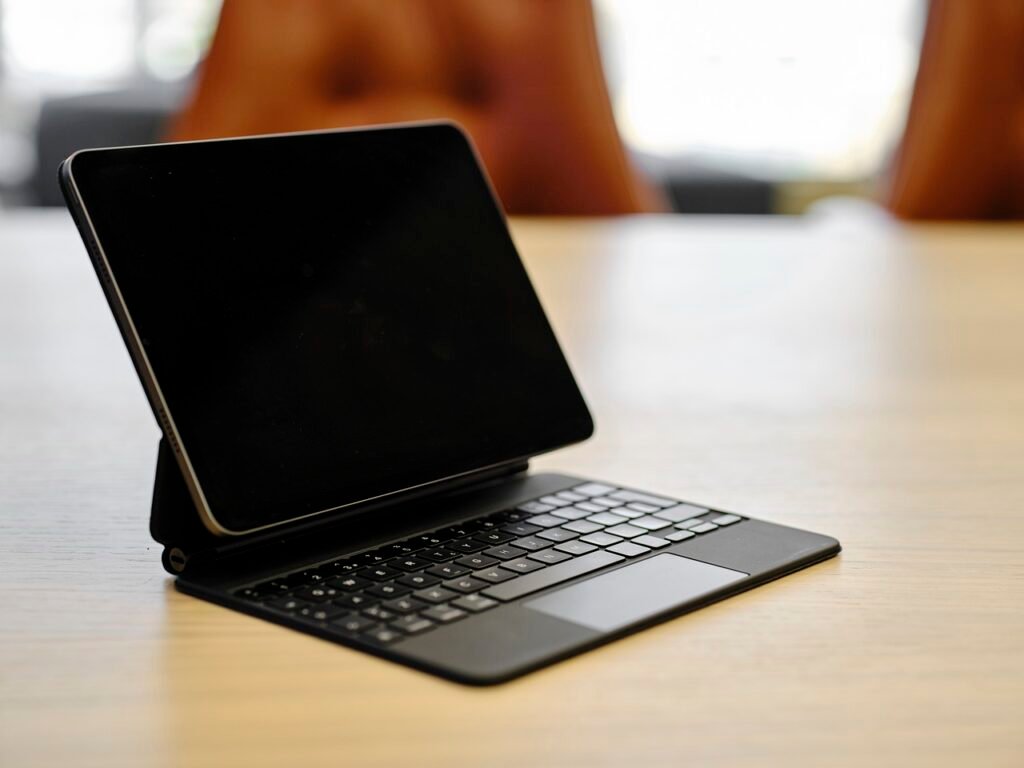
To truly enjoy Netflix on your tablet, the right accessories can make all the difference. From comfort and convenience to enhanced audio and device protection, here are some essential accessories to elevate your streaming sessions.
1. Stands and Holders
- Why You Need Them: Holding your tablet for hours while binge-watching can be uncomfortable. Stands and holders allow for hands-free viewing and keep your device at the perfect angle.
- Popular Options:
- Adjustable Tablet Stands: Compact, foldable stands like the Lamicall Tablet Stand provide stability and multiple angle options.
- Gooseneck Holders: Flexible holders like the Tryone Gooseneck Mount are perfect for bed or couch use, letting you position your tablet effortlessly.
- Benefits: These accessories prevent neck and hand strain, making long Netflix marathons much more enjoyable.
2. External Speakers or Headphones
- Why You Need Them: While many tablets have decent built-in speakers, external audio devices significantly improve sound quality, creating a more immersive experience.
- Options to Consider:
- Bluetooth Speakers: Compact options like the JBL Flip 6 or Ultimate Ears WONDERBOOM deliver rich, room-filling sound.
- Noise-Cancelling Headphones: Over-ear headphones like the Sony WH-1000XM5 or budget-friendly Anker Soundcore Q30 block out distractions and offer superior sound clarity.
- True Wireless Earbuds: The Apple AirPods Pro or Samsung Galaxy Buds2 Pro are excellent for private viewing sessions.
- Benefits: Whether you prefer powerful external sound or immersive personal audio, these accessories elevate your experience of dialogue and soundtracks.
3. Protective Cases and Covers
- Why You Need Them: Streaming tablets are portable, which increases the risk of accidental drops or spills. A sturdy case or cover protects your investment and extends its lifespan.
- Options to Consider:
- Shockproof Cases: Rugged cases like the SUPCASE Unicorn Beetle Pro or OtterBox Defender Series offer heavy-duty protection.
- Stylish Covers: For those who want a sleek look, options like Apple’s Smart Cover or Samsung’s Book Cover offer lightweight, foldable designs.
- Kid-Friendly Cases: If children use the tablet, consider padded cases like the Amazon Fire Kids Edition cover for extra durability.
- Benefits: These accessories protect your tablet and often include kickstand features for hands-free viewing.
Investing in the right accessories ensures you get the most out of your Netflix experience. Whether it’s a stand for hands-free comfort, enhanced audio for cinematic sound, or a protective case for peace of mind, these additions make your tablet a true entertainment powerhouse. Choose the ones that best fit your viewing habits and enjoy your next binge-watch session like never before!
Tips for Optimising Netflix Streaming on Tablets
Optimising both your device and the app is essential to get the best Netflix experience on your tablet. From adjusting display settings to managing battery life, here are practical tips for seamless streaming.
1. Adjusting Display Settings
- Tweaks for Better Brightness and Color:
- Brightness: Adjust your screen brightness to match your environment. Avoid overly high brightness, as it drains the battery faster and can cause eye strain in low-light settings.
- Colour Calibration: Some tablets offer colour calibration options, or True Tone features that adapt the display to ambient lighting. This ensures accurate colours and reduces glare.
- Night Mode: If your tablet supports it, enable night mode or blue light filters during evening use to reduce eye fatigue.
- Benefits: Proper display settings enhance visuals and make binge-watching more comfortable, especially for extended sessions.
2. Downloading Content for Offline Viewing
- Why It’s Important: Offline downloads let you enjoy Netflix shows and movies without an internet connection, making it perfect for travel or areas with spotty Wi-Fi.
- How to Do It:
- Open the Netflix app and navigate to your favourite show or movie. Look for the download icon (a downward arrow).
- Go to App Settings > Video Quality to select download resolution (Standard or High). Choose Standard to save space or High for better quality.
- Additional Tips:
- Download content while connected to Wi-Fi to avoid using mobile data.
- Regularly delete watched downloads to free up storage space.
- Benefits: Offline viewing saves data, reduces streaming interruptions, and extends battery life by limiting network usage.
3. Managing Battery Life
- Tips to Extend Playtime During Marathons:
- Lower Screen Brightness: As mentioned, dimming the screen conserves energy.
- Enable Battery Saver Mode: Most tablets have a power-saving mode that reduces background activity and optimises performance to save battery.
- Close Background Apps: Shut down unnecessary apps running in the background to maximise processing power and battery efficiency.
- Use Wired Headphones: Use wired headphones instead of Bluetooth, as wireless connections consume extra battery.
- Turn Off Notifications: Notifications can interrupt your streaming and drain your battery. Switch to Do Not Disturb mode for uninterrupted viewing.
- Additional Suggestions:
- Carry a portable charger for extended viewing away from home.
- Charge your tablet fully before starting a marathon session.
- Benefits: These strategies can help you make the most of your tablet’s battery life, ensuring uninterrupted streaming for hours.
Optimising your tablet for Netflix involves minor but effective tweaks that enhance your experience. Adjusting your display settings ensures visuals are perfect for your environment, offline downloads provide convenience and data savings, and managing battery life lets you stream longer. With these tips, you’re all set for the ultimate Netflix binge session!
Conclusion
When it comes to enjoying Netflix on a tablet, there’s no shortage of great options to suit various preferences and budgets. Whether you’re drawn to the Apple iPad (10.2-inch) for its stunning Retina display and seamless performance, the Samsung Galaxy Tab S9+ for its AMOLED screen and immersive sound, or the budget-friendly Amazon Fire HD 10 Plus, there’s a tablet for everyone. High-performance options like the OnePlus Pad 2 and the versatile Amazon Fire Max 11 offer even more tailored solutions depending on your needs.
As you consider your next purchase, consider what matters most—display quality, battery life, sound performance, or price. A tablet that aligns with your priorities will ensure the best Netflix streaming experience.
Now it’s your turn: Which tablet will you choose for your Netflix marathons? Share your pick in the comments, or let us know your favourite features for the ultimate streaming setup!

